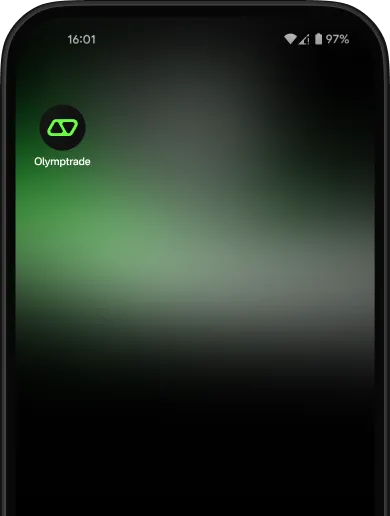
How do I install the PWA for Android?
-
01
Scan the QR code or go to olymptrade.com/pwa in your {chromeIcon} Chrome browser
-
02
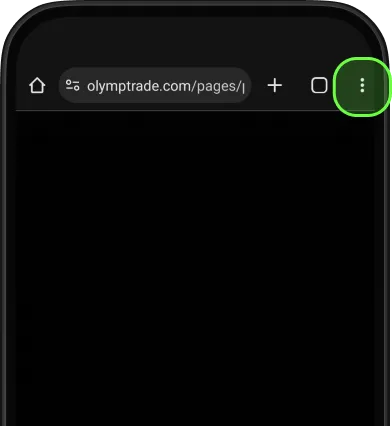
Tap three dots to open menu
-
03
Choose
Add to Home Screen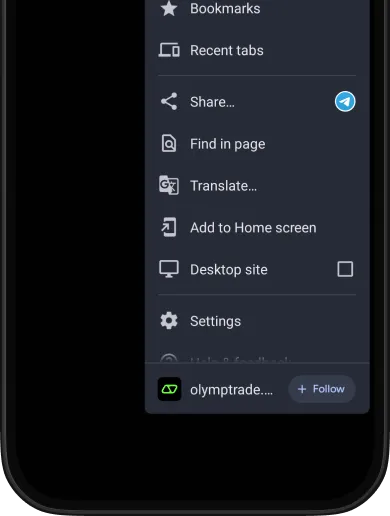
-
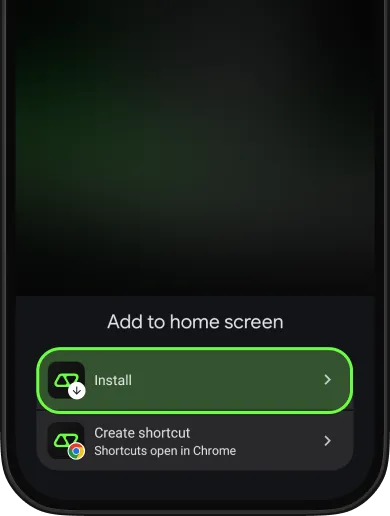
04
Confirm by tapping Install
-
05
You'll see
the success notification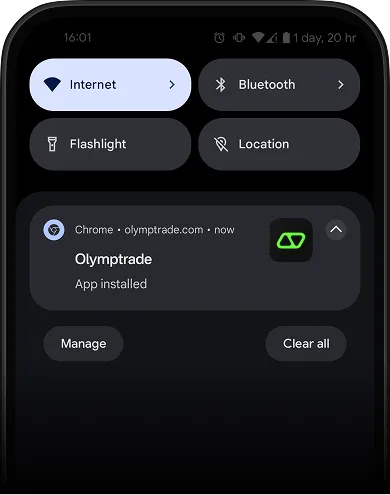
-
06
Enjoy trading
with the PWA app
right on your Home Screen